Best Acoustic Pods for Gaming Streamers & Content Creators UK
If you're streaming or recording content from home, audio quality can make or break your audience experience. Poor mic placement, keyboard clicks, and background noise frustrate viewers—but most streamers underestimate how much acoustic treatment actually improves their setup. Unlike traditional recording studios, streamers need flexible, space-efficient solutions that work around existing desk rigs and don't look industrial on camera. That's where acoustic pods and portable booth systems come in.
Why Streamers Need Dedicated Acoustic Treatment
Most streamers start with just a microphone. They gradually realise that a good mic alone won't eliminate background noise—it'll actually capture more of it. Your room is the problem. Hard surfaces like desks, monitors, and walls create reflections that colour your voice and make echo obvious to listeners. Gaming rigs add another layer: mechanical keyboards, mechanical mouse clicks, and sometimes cooling fans generate constant low-level noise that's hard to control with software.
Acoustic pods and booth systems absorb these reflections and isolate your audio from room noise. A decent setup typically reduces background noise by 10-20 dB, which is substantial enough that viewers notice immediately. More importantly, your voice sounds clearer and more present, which is what actually keeps people watching.
Portable Isolation Booths: The Full Setup
If you have the budget and space, standalone portable booths are the most effective option. These are usually fold-out or semi-rigid enclosures lined with foam or melamine. They contain everything from desk vibrations to keyboard noise.
The main trade-off is footprint. Most booths occupy 1–1.5 square metres and can feel claustrophobic during long streams, especially if you need to reference multiple monitors or reach peripherals. You'll also struggle with ventilation—sitting inside an enclosed booth gets warm fast. Some streamers solve this by leaving one side partially open or using a fan.
Booth prices vary widely. Budget models start around £300–500 but are often flimsy and don't absorb low frequencies effectively. Mid-range options (£700–1500) offer decent rigidity and absorption. High-end booths designed for professional voice work exceed £2000, which is overkill for most streamers.
Best for: Streamers with dedicated streaming rooms or those willing to accept the space trade-off for maximum isolation.
Desk Shields and Partial Enclosures
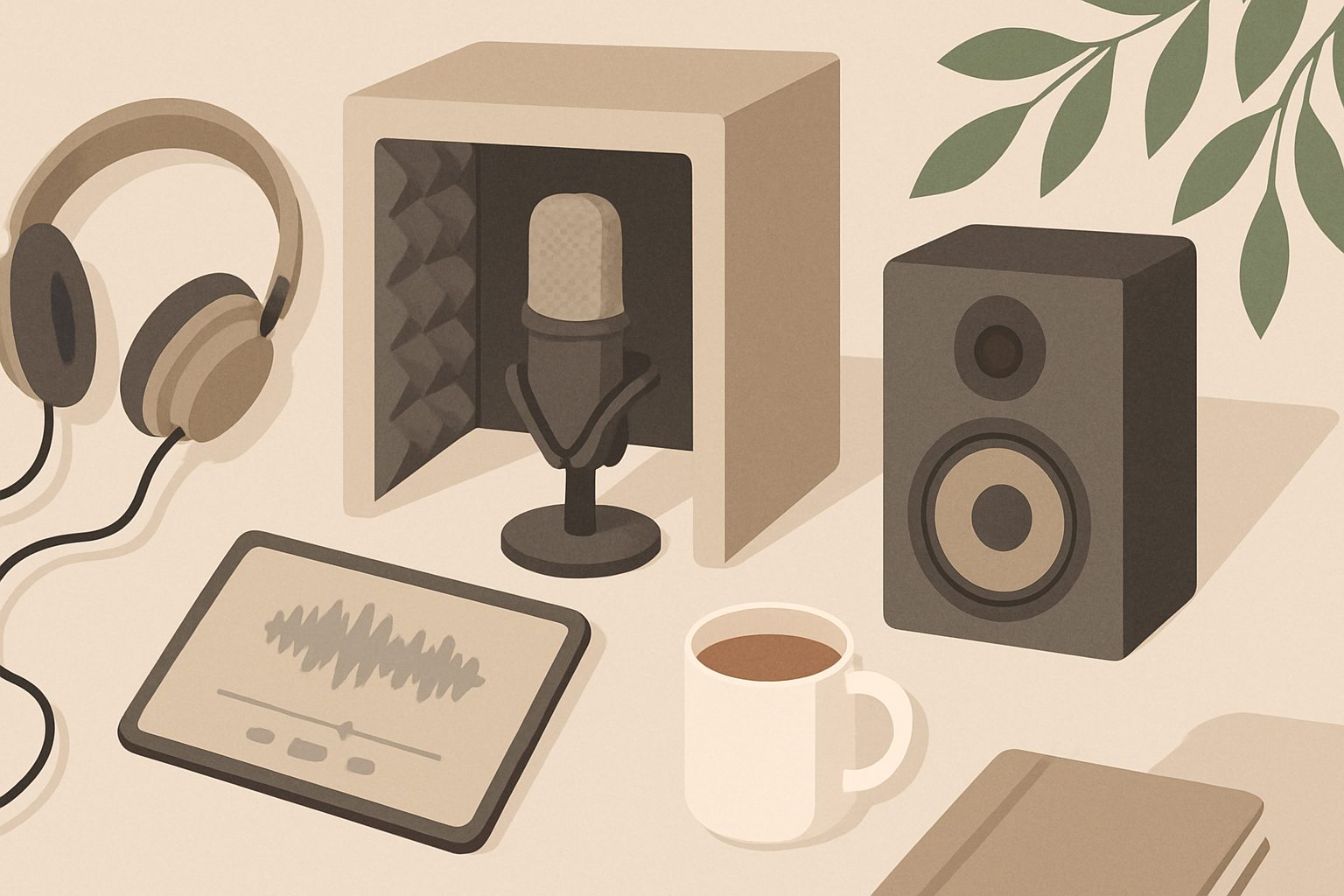
More practical for most gaming streamers are desk-mounted shields—solid panels with acoustic foam that sit between you and your monitor setup. They typically cover a 60–90 cm width and stand 30–50 cm tall, targeting the area directly around your microphone.
The advantage is simplicity. They take up minimal space, don't affect ventilation, and look less obtrusive on camera than full booths. They're also cheaper, usually £80–300 depending on size and material quality. You'll get meaningful isolation—probably 5–10 dB reduction—which is genuinely useful without feeling gimmicky.
The limitation is obvious: they only treat the space in front of your mic. Background noise from behind or the side still gets through. However, if your keyboard is in front of your mic position and that's your main noise source, a shield handles it well.
Hybrid Approaches: Shields Plus Room Treatment
Many successful streamers combine a desk shield with broader room acoustic treatment. Adding corner bass traps and wall panels behind your streaming position costs more overall but gives proportionally better results than either approach alone.
A practical hybrid setup might include:
- Desk shield for immediate mic isolation
- Four corner bass traps to control low-end room modes (keyboard thuds, cooling fans, nearby traffic)
- One or two wall panels behind or beside your streaming position
This costs £300–800 depending on quality but requires less space than a full booth and handles a wider range of noise sources. It also looks more intentional on camera—panels can double as aesthetic backdrop elements.
Practical Considerations for Streamers
Microphone placement matters more than you'd think. Even with acoustic treatment, a poorly positioned mic picks up everything. Keep it 10–15 cm from your mouth and angle it so your keyboard is slightly off-axis. This single adjustment often helps more than you'd expect.
Don't pair acoustic treatment with noise gate plugins alone. Gating cuts audio when you're quiet but doesn't reduce noise while you're speaking. Acoustic treatment addresses the root problem; noise gates are a backup for what gets through.
Ventilation and temperature become real issues inside booths. If you stream for 3+ hours at a time, consider a booth with ventilation options or leave it partially open during setup.
Reflections from your monitor are a hidden culprit. Your voice bounces off the screen and back into your mic. Tilting your monitor slightly downward or adding a shield helps more than most people realise.
Cable management matters. Acoustic foam doesn't dampen vibrations transmitted through cables to your microphone. Keep XLR and USB cables isolated from your desk or use clip-on cable management rather than letting them lie across the surface.
Realistic Expectations
A good acoustic setup stops you sounding like you're broadcasting from a bedroom or garage. It won't make you sound like you're in a professional studio—that's mixing, not treatment. Your voice will be clearer, keyboard noise will drop significantly, and background reflections will vanish. Viewers will absolutely notice the difference.
Budget £200–400 for a solid desk shield with corner treatment, or £600–1000 if you want a portable booth. Anything more sophisticated requires proper room design, which is beyond typical streaming needs.
The actual difference between a £300 solution and a £1500 solution is diminishing returns. Most viewers aren't audio engineers. A clean, isolated signal beats pristine clarity in an untreated room every time.
More options
- Portable Vocal Isolation Tents & Pop-Up Recording Booths (Amazon UK)
- Microphone Reflection Filters & Desktop Isolation Shields (Amazon UK)
- Acoustic Foam Panels & Bass Traps for Home Studios (Amazon UK)
- Freestanding Acoustic Office Pods & Soundproof Cabins (Amazon UK)
- Mass Loaded Vinyl & Soundproofing Barriers (Amazon UK)